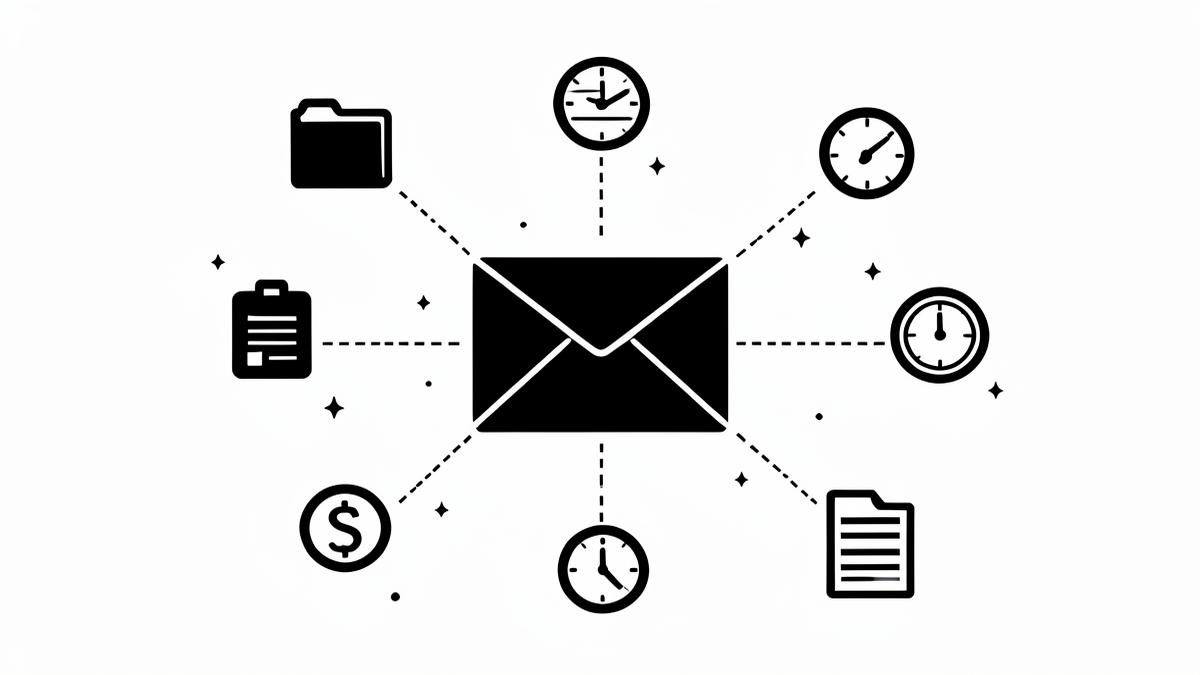
For most professionals, the workday doesn't start in a project board or a time tracker — it starts in the inbox. A client sends instructions, an attachment, a question that becomes a task. The problem is everything that email triggers lives somewhere else. Here's how to close that gap.
1. Attach the email to the right matter or project
The single highest-value habit: make sure every client email is filed against the matter or project it belongs to, not buried in a folder only you can find. If your team tracks work in Airtable, the email should land on the right record — searchable by anyone on the file, not just the person who received it.
2. Turn actionable emails into tasks immediately
"Can you send me the revised draft by Thursday?" is a task wearing an email costume. Instead of flagging it and hoping you'll remember, create the task while you're reading it. Teams using Monday.com can push the item straight onto the right board with a due date — the email body becomes the task description, no retyping.
3. Log the time (and expenses) the email actually cost you
Reading, replying to, and acting on client emails is billable work — and it's the work most often lost. A six-minute exchange here, a twelve-minute review there adds up to hours per week that never make it to an invoice. If you bill through Harvest, logging the entry at the moment you're doing the work is the only reliable way to capture it.
4. Save attachments to the proper folder — once
Downloading an attachment, renaming it, hunting for the right folder, and uploading it is a four-step chore repeated dozens of times a week. Attachments should flow directly from the email to the client folder in Dropbox, named consistently, the first time.
5. Do all of it from the email itself
Every method above fails if it requires opening another app — the tab switch is where follow-through goes to die. This is exactly what InFiler is built for: an add-in for Outlook and Gmail that lets you attach the email to the right matter, create the task, log the time, and save the attachments, all from the message you're already reading. No searching, no tab-switching, and nothing retained on our side — your data goes straight to your tools.
Connect your inbox
InFiler connects Outlook and Gmail to Airtable, Monday.com, Harvest, and Dropbox. Get early access and be first to try it.
Download NowFiled under Workflow. More guides on connecting your inbox to your tools are on the way.